 Lantern
key
Non-custodial
Your private keys are encrypted on-device and never leave it. No accounts, no custodians — just you.
Lantern is a Stellar wallet — on Chrome and Android — that screens every transaction before you sign (on testnet, against an on-chain scam registry too), and has an AI tell you in plain language what it does. So scams never make it past the glow.
On iPhone or iPad, tap Share, then Add to Home Screen.
Open Lantern from there, so your wallet isn't erased after 7 days.
The wallet runs in this browser, with nothing to install.
Testnet only, not for real funds.
or use the web app, right in your browser
science Public Beta — Chrome extension & Android APKChrome extension, Android APK or the web app, ready in about a minute.
workspace_premium Supported by a Stellar Development Foundation Instawards grant — Philippines chapter.
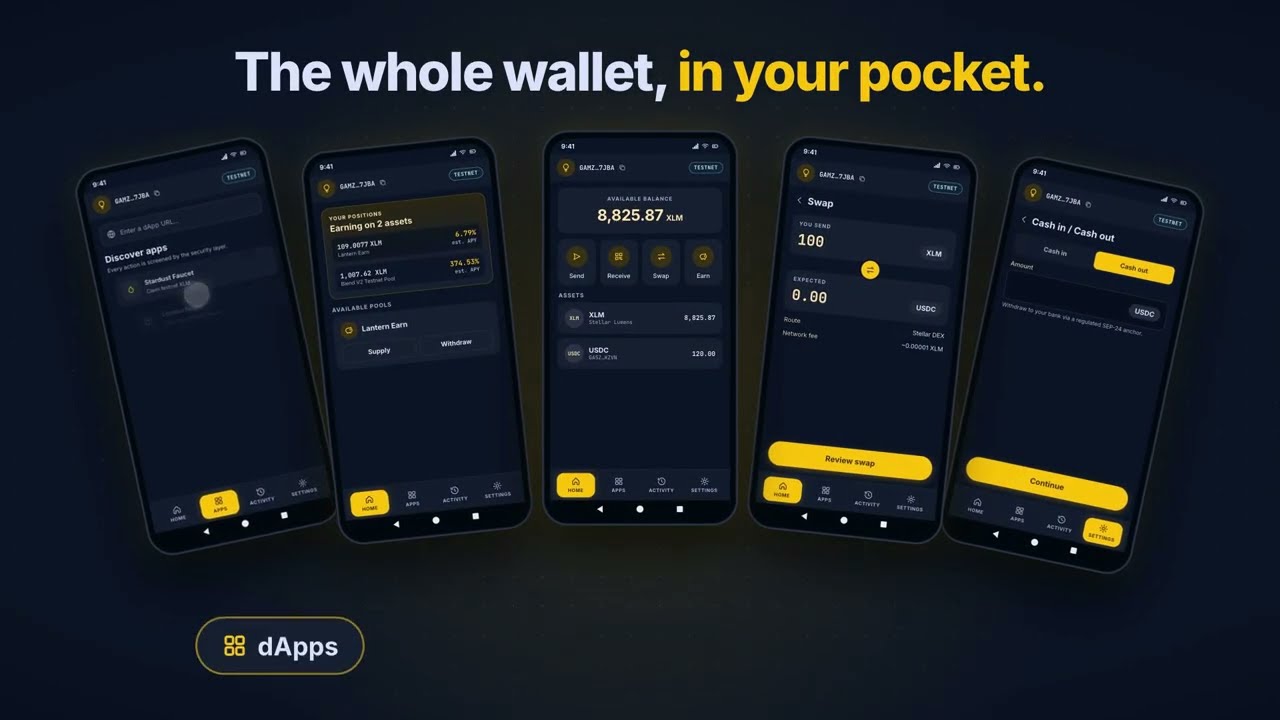
Everything a Stellar wallet should do — send, swap, earn, and cash out — plus a safety net between you and every signature. The risk verdict is rules and a public registry you can check; the AI explains it in words.

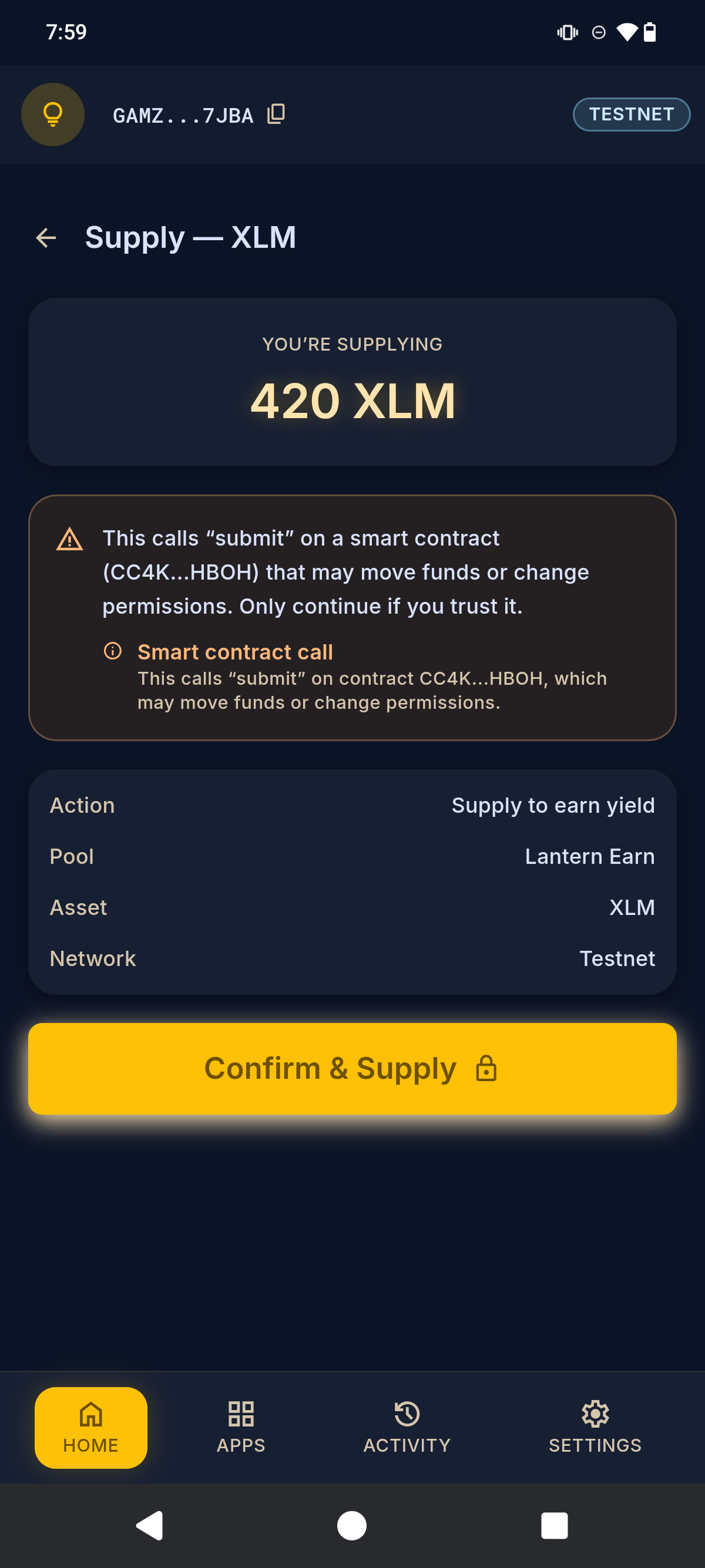
A short tour of the wallet: the home screen, a transaction screened before you sign, swaps, yield and cash out.
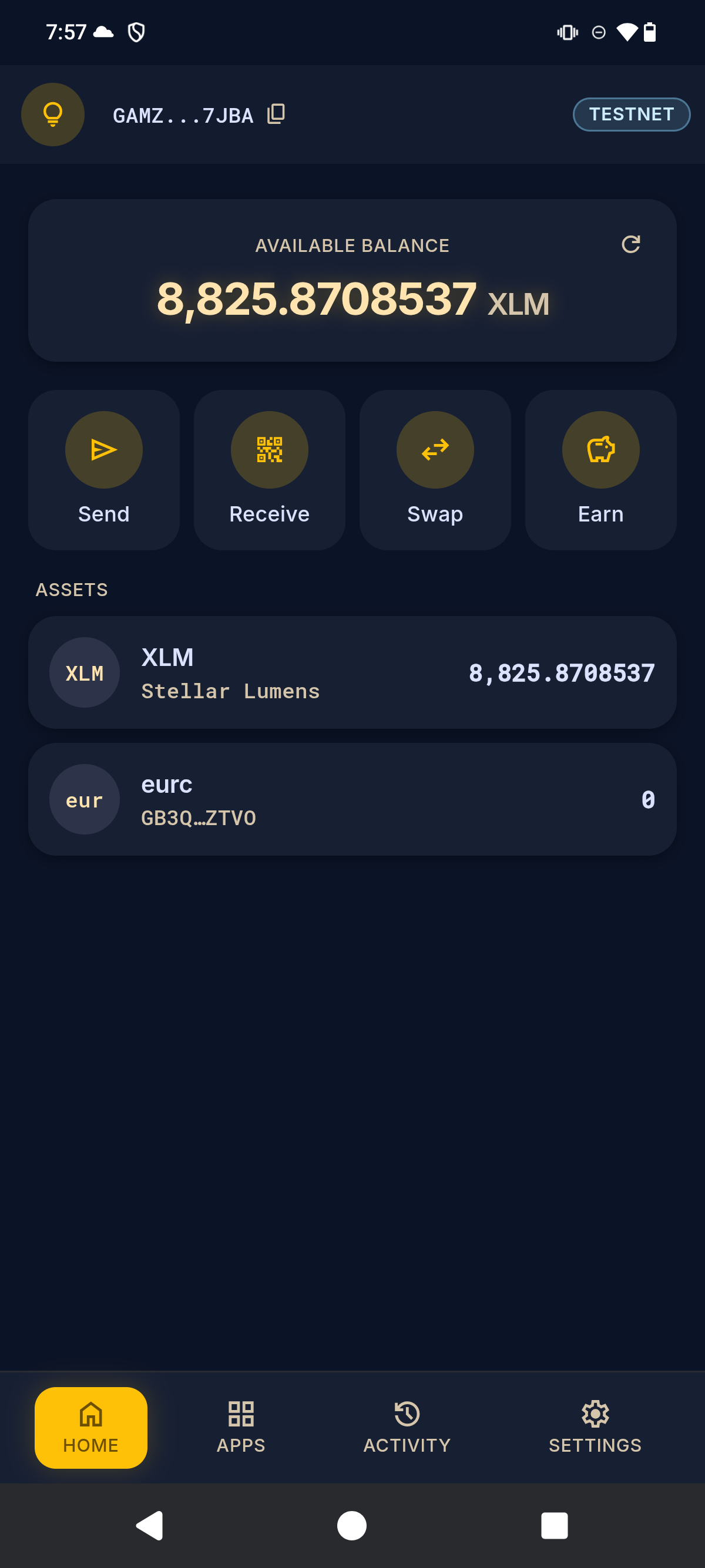
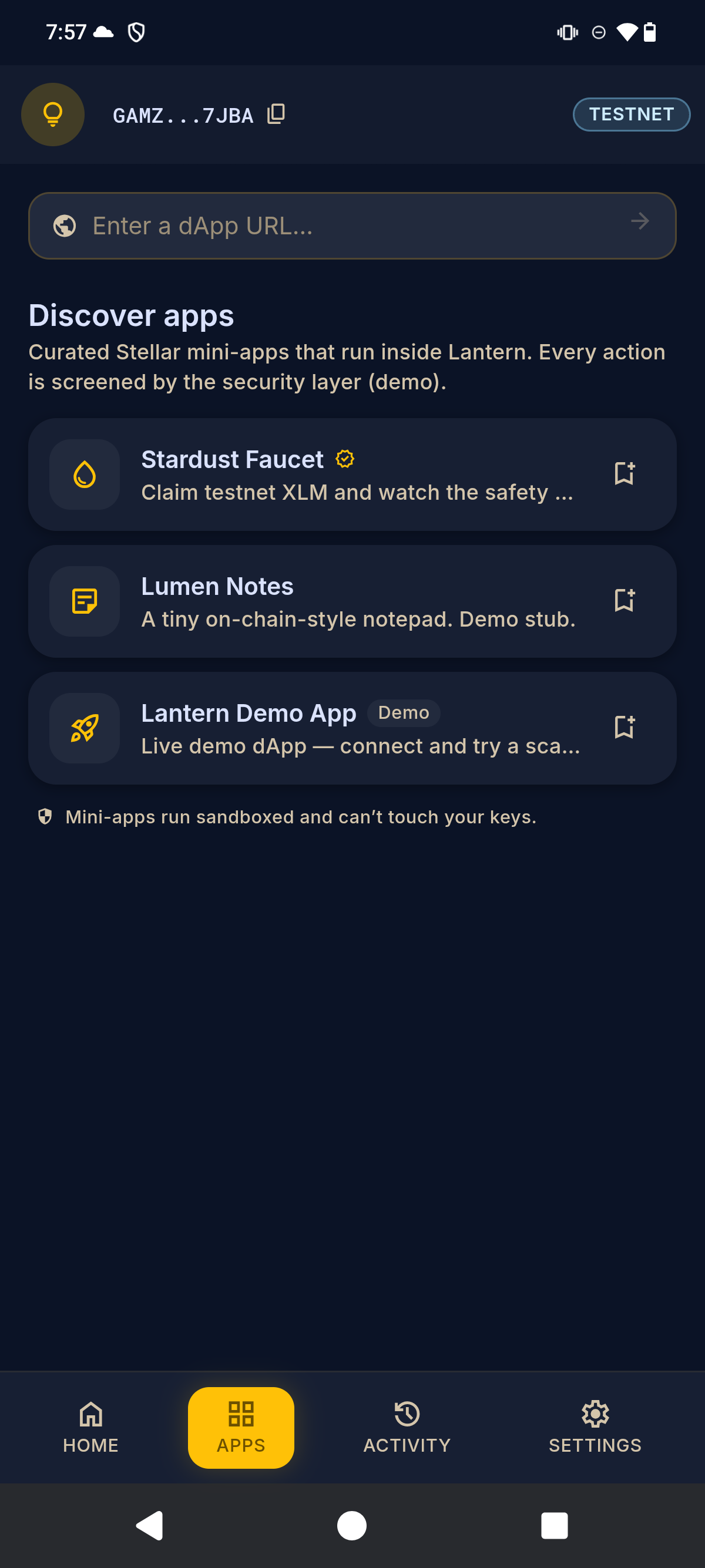
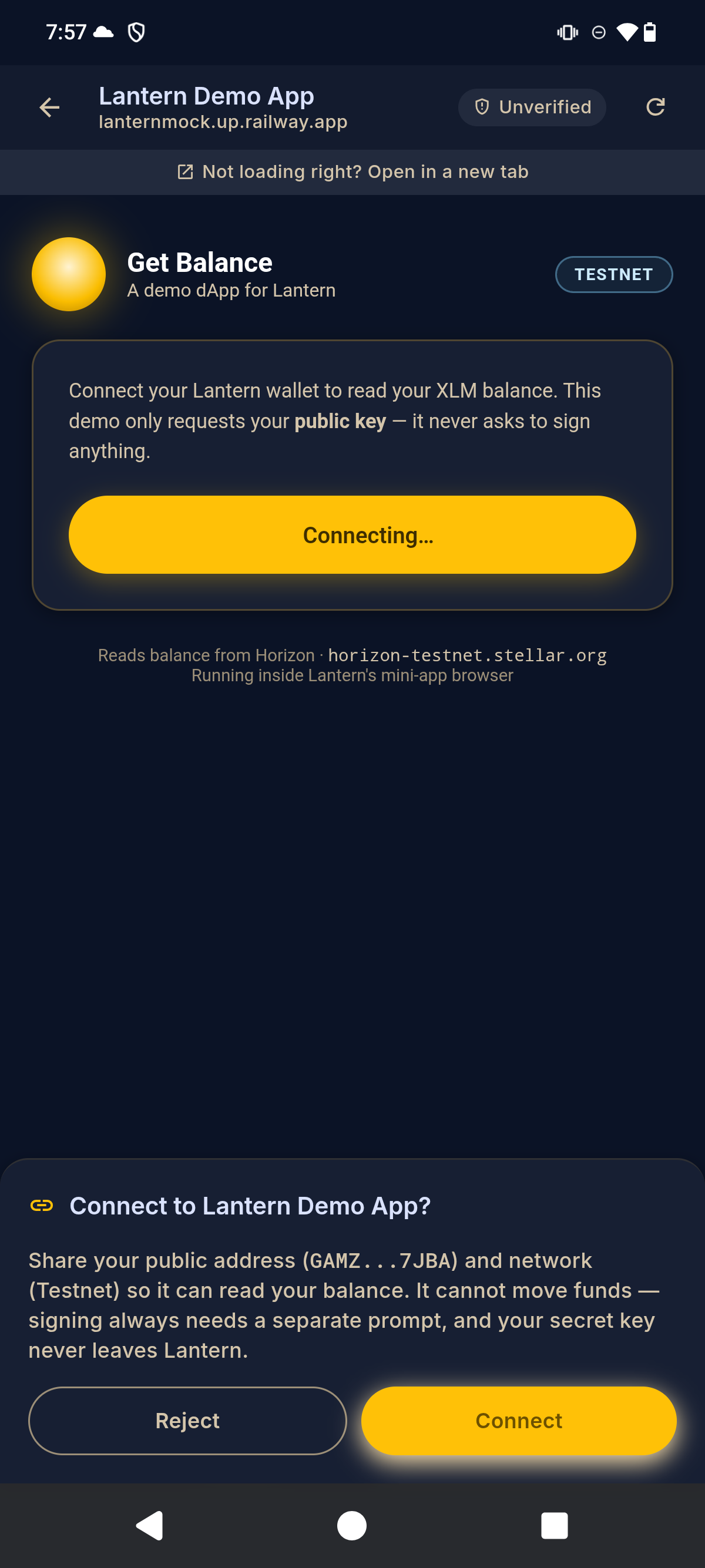
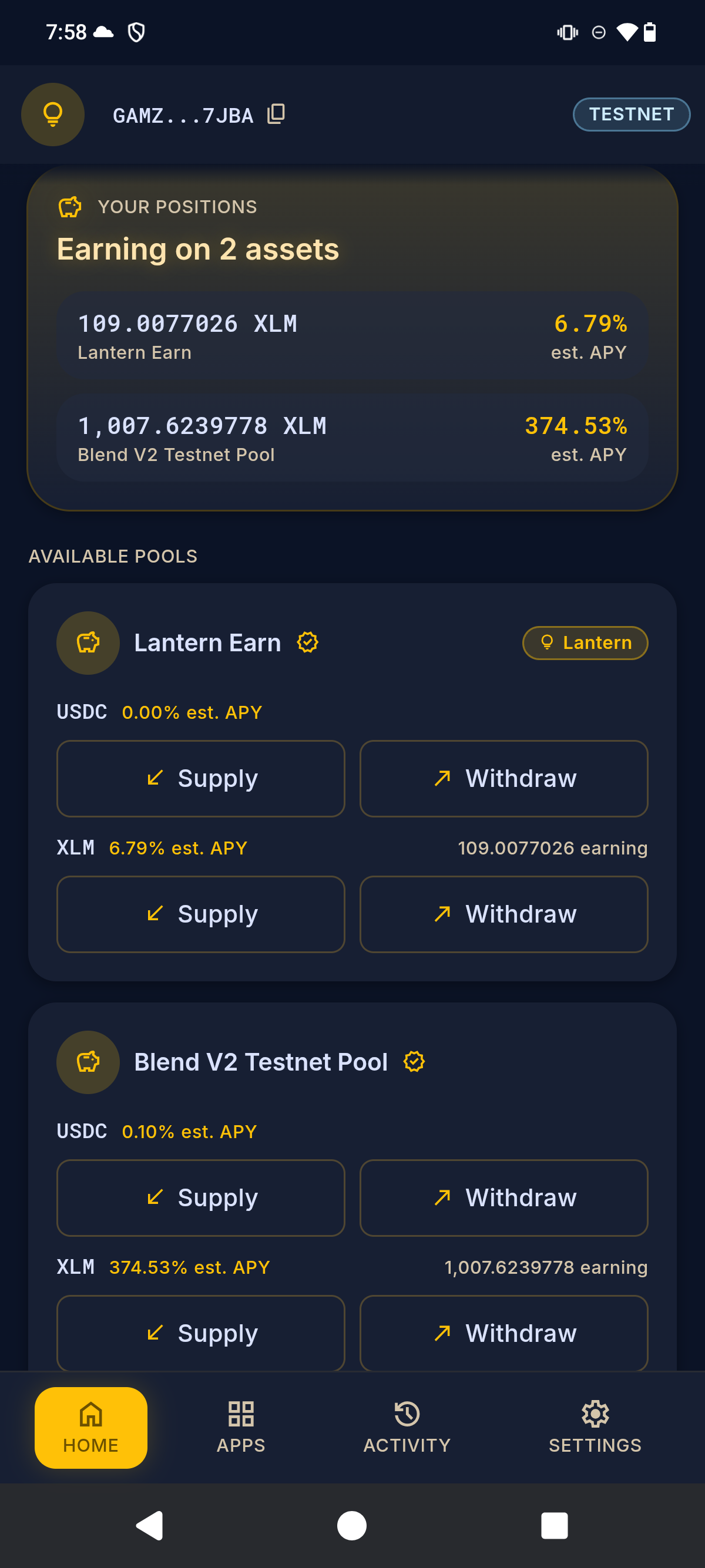
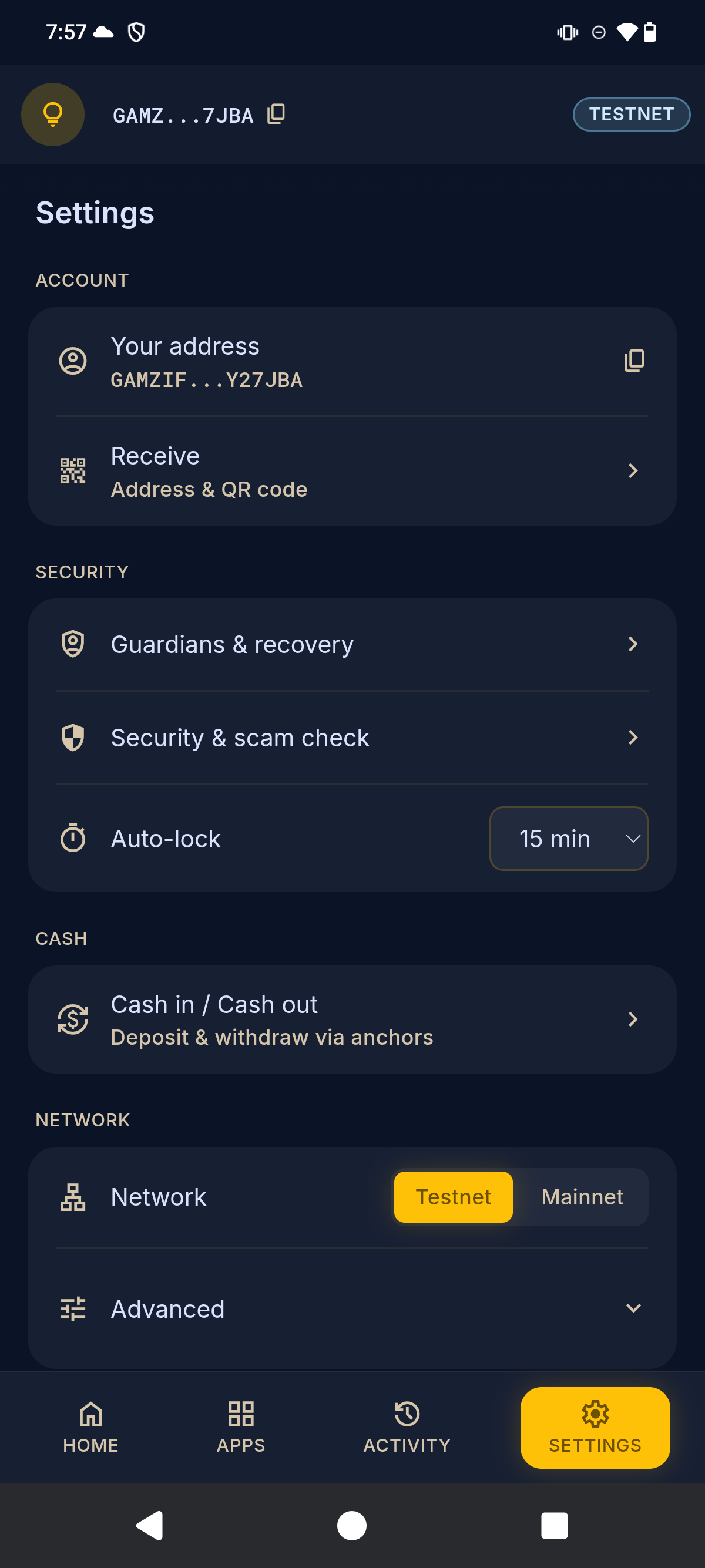
Real screens from the Lantern Android app — balances, sandboxed dApps, live yield, and guardian-grade settings.
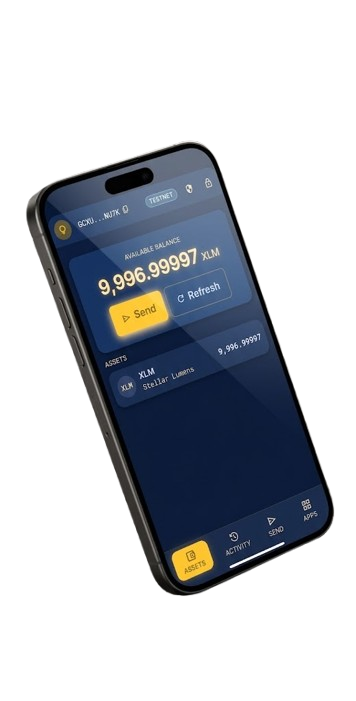
Lantern isn't in the app stores yet. On Android, it's a one-tap APK. On Chrome or Edge, load the extension in Developer Mode — about a minute either way. On iPhone, or any other browser, open the testnet web app. The APK and the extension are published on every release, with SHA-256 checksums to check your download against.
Download lantern-<version>-testnet.apk on the phone, open it, and allow installs from this source if asked. That's it — the steps below are only for the desktop extension.
Open app.golantern.xyz in Safari, tap Share, then Add to Home Screen, and open Lantern from there — so your wallet isn't erased after 7 days. It's testnet only, and works in any other browser too.
Download lantern-extension-<version>.zip and unzip it to a folder you'll keep — Chrome loads it from there every time. Download it only from golantern.xyz or Lantern's GitHub release, and check it against SHA256SUMS.
Go to chrome://extensions in your address bar.
Flip the Developer mode switch in the top-right corner.
Click Load unpacked and select the folder you unzipped — the one with manifest.json directly inside it.
Pin Lantern to your toolbar, click the lantern, and create or import a wallet.
Chrome says Lantern can "read and change all your data on all websites". That's so websites can offer Connect with Lantern: a small script passes a site's requests to Lantern, which asks you about each one. It never reads the page. You can switch it off in Settings → Connected sites.
Newer versions of the extension have a fixed ID, so Chrome sees them as a new extension and your wallet won't be in it at first. Unzip the new version into a new folder and load that one; don't unzip over the old folder or press Reload on the old Lantern, which can remove the only copy of your wallet. Have your recovery phrase ready, then choose Import Wallet. Keep the old Lantern installed until your wallet shows in the new one. From then on, updates keep your wallet.
As a Beta, start on Testnet and use the built-in Friendbot to fund a test account before mainnet.
Help us test Lantern on testnet: install the build, run six real-looking transactions through the review screen, and report a scammer to the registry. About 70 minutes, no real funds. It starts in our WhatsApp tester group: join it, and you'll get your tester number and the guide there.
Join on WhatsAppIn a WhatsApp group, other members can see your phone number.
Questions, bug reports, or partnership ideas? We'd love to hear from you.
alternate_email hello@artisam.xyz